Studio Portrait POV: Lighting Setups That Become Marketing Content
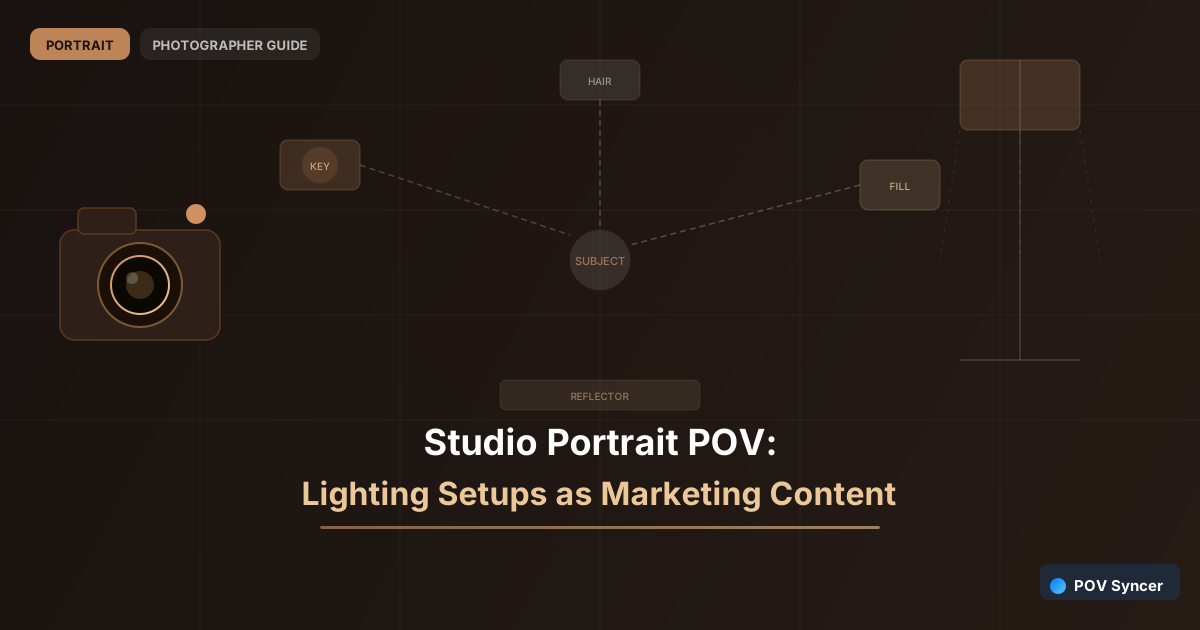
The studio portrait photographer's lighting setup is a process that most clients never see and most other photographers would love to understand. The softbox position, the reflector angle, the background light ratio — these decisions produce the distinctive look that makes your work immediately recognisable. And they make for some of the most-watched content on photography-adjacent social media.
A POV Reel that shows you building a lighting setup from scratch — moving lights, adjusting modifiers, taking test shots — and ends with the resulting portrait appearing on screen is compelling to two entirely different audiences simultaneously. Prospective clients watch it and understand why professional studio photography looks different from a phone snapshot. Photographers watch it and save it for the lighting diagram. Both are valuable.
The Ray-Ban Meta glasses capture your perspective as you move around the studio adjusting equipment. Your stills camera captures the test shots and the final portrait with EXIF timestamps. POV Syncer connects them automatically — the portrait appears at the exact frame it was captured, showing the result of the setup you just watched being built.
Two Audiences, One Piece of Content
Studio lighting content serves the dual purpose that makes it particularly efficient to produce. The client-facing message is: "This is what professional portrait lighting looks like and why it is worth booking." The photographer-facing message is: "Here is a specific setup you can learn from." You do not need to choose between them — the POV format serves both simultaneously.
For clients, the takeaway is confidence. They understand why the results look the way they do. They trust the process. That trust makes the booking conversation easier and makes clients more relaxed during the session itself.
For photographers, the technical detail in the footage — the exact position of each light, the modifier choices, the distance ratios — is genuinely educational content. Photographers who follow you for the lighting education are also prospective workshop clients, assistant bookings, and word-of-mouth referrers within the photography community.
What to Show: Setups Worth Documenting
Not every lighting setup needs a Reel. The ones worth documenting are the setups that produce a distinctive, recognisable result — the look that defines your style. If you have a classic Rembrandt setup that you return to for executive portraits, document it once with full POV detail. If you regularly use a high-key setup for beauty work, that is a natural second Reel. Over six months, a library of six to eight lighting setup Reels covers the main variations in your approach and gives followers genuine value with each post.
Get the free POV Photography Cheat Sheet
Studio photography POV settings, EXIF sync workflow, and export presets for portrait photographers — all on one printable page.
Free PDF, no spam. Unsubscribe anytime.
The Studio POV Reel Structure
The studio lighting Reel has a three-part structure that mirrors the creative process: setup, session, reveal.
Setup (0–20s): Your POV footage as you position lights, adjust modifiers, and take a test shot. This section shows the deliberate, technical process behind the look. Keep the footage moving — you adjusting a light stand, moving a reflector, chimping the test shot — rather than static shots of the studio.
Session (20–40s): The POV footage of the actual shoot — you working with the subject, adjusting position, responding to expressions. This shows the human side of the studio process and contrasts the technical setup section with the warm, responsive reality of working with a person.
Reveal (40–60s): The EXIF-matched portrait appearing at the exact moment it was captured. Hold it on screen for five to six seconds. This is the payoff for both audiences — the visual proof that the setup produced something worth producing.
In POV Syncer, import your studio footage and the portrait. The EXIF timestamp places the image at the correct frame automatically. Add a brief text overlay naming the lighting setup — "Split light, 1:2 ratio, 90cm octobox" — and the Reel teaches while it shows. Export at 9:16 for Instagram, 16:9 for YouTube.
Related: family portrait POV for repeat bookings and editorial portrait POV behind-the-scenes.
Turn your studio setups into marketing content
Download POV Syncer free. Studio footage plus portraits — EXIF synced automatically. Marketing content from every session.
Download POV Syncer Free